Say Goodby to 2G
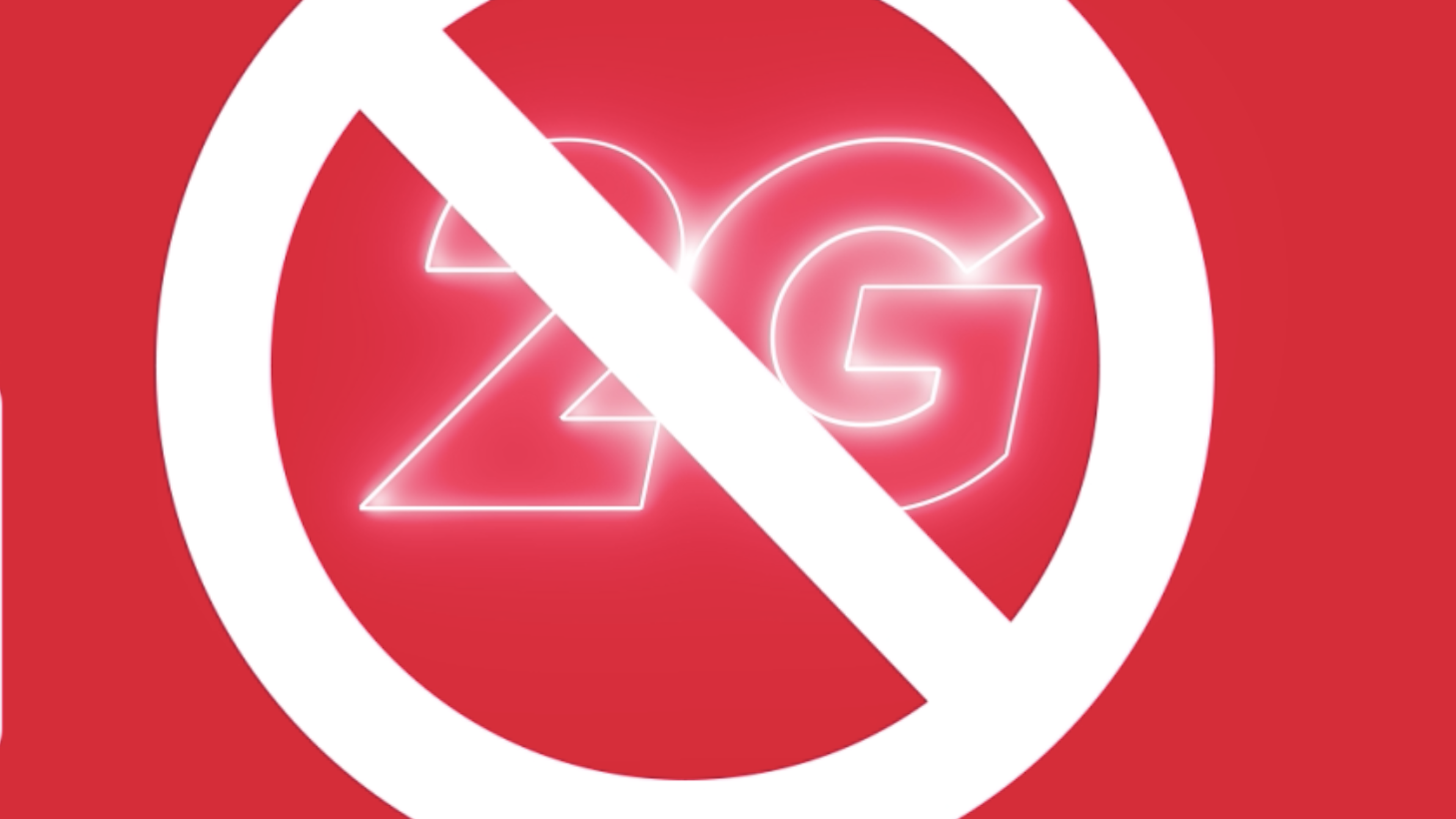
It’s time to move forward. Digicel TCI’s 2G network officially shuts down March 31, 2026.

2G technology is outdated and no longer supports the speed, reliability and quality customers expect today. As we continue upgrading our network across the islands, we are retiring older 2G technology to focus on delivering faster, more reliable 4G LTE services for our customers.
What Happens on March 31, 2026?
If you are still using a 2G phone or device, it will stop working after March 31, 2026.
You will not be able to make or receive calls.
Because of the 2G network shutdown, customers using 2G-only devices will no longer be able to make or receive calls.You will no longer be able to send or receive text messages.
Customers using 2G-only devices will no longer be able to make or receive text messages.You will no longer be able to use mobile data.
2G data will end. Upgrade your device and enjoy faster LTE data.How to Check If Your Device Is Using 2G
A few simple checks are all you need.

Look for the 2G Symbol
Found on your home screen
Look for the Edge Symbol
Found on your home screen
Check your phone settings
Go to Settings - Tap Cellular Tap Cellular Data Options - Tap Voice & Data If you see 2G or GSM selected, your phone is using 2G.Need a New Device?
Seeing 2G? Visit a Digicel store and upgrade today to stay connected on our faster 4G LTE network.

Digicel 2G Network Shutdown – Frequently Asked Questions
What is happening?
Digicel tci will be shutting down its 2G network on March 31, 2026. After this date, devices that only support 2G will no longer be able to make calls, send texts, or use mobile data.
Why is Digicel shutting down the 2G network?
2G technology is outdated and used by very few devices today. Shutting it down allows Digicel to focus on faster and more reliable technologies like 4G LTE and 5G, improving network performance and delivering a better experience for customers.
How do I check if my phone is using 2G?
Look at the network indicator at the top of your phone’s screen.
If you see:
2G
EDGE
your device may only be using the 2G network.
You can also check your phone settings:
On iPhone
Go to Settings
Tap Cellular
Tap Cellular Data Options
Tap Voice & Data
On Android
Go to Settings
Tap Connections or Network
Tap Mobile Network
Tap Network Mode / Preferred Network Type
If your device only supports 2G, it will need to be upgraded.
What should I do if my phone uses 2G?
If your phone is using 2G, visit your nearest Digicel store as soon as possible to upgrade your device or SIM.
What happens if I don’t upgrade?
If you are using a 2G-only device, you will lose service on March 31, 2026 once the network is switched off.
Where can I upgrade?
Visit any Digicel store today, and our team will help you upgrade to a 4G LTE device so you can stay connected.